
Importing from a link
Share a GitHub, Codeberg, GitLab or gist address into WM Keyboard and it works out what is behind it, fetches it, and imports it.
Most things you can import are published as a page rather than as a file you already have: a theme in somebody’s repository, an asset on a release, a gist, a build artifact from a pull request. WM Keyboard takes the address directly, so you never have to download the file first and then find it again in your file manager.
There are three ways in:
- Share the link. From a browser, a chat app, an issue tracker, anything with a share button: choose Import from a link.
- Paste it, on the Add-ons screen:
- Follow a
wmkeyboard://import?url=…link, which a README or a support reply can write for you.
What a link can point at
Section titled “What a link can point at”The address alone decides most of it, and the rest is one request to the forge’s own API:
| You share | WM Keyboard fetches |
|---|---|
a file on a repository page (/blob/, /src/branch/, /-/blob/) | that file’s raw address |
a raw address, or a release asset (/releases/download/…) | the file itself |
a release page (/releases/tag/v1, /releases/latest, /releases) | that release’s assets, filtered to the formats this app reads |
| a gist | the files in it |
| a repository root | its wmkeyboard-repo.json if it has one, and otherwise a listing of the files at the top |
| a folder inside a repository | a listing of the files in that folder |
| a GitHub Actions artifact | the artifact, unzipped to the file inside it |
any other https:// address | the file at it, identified by what it holds |
GitHub, Codeberg and other Forgejo or Gitea instances, GitLab (including a self-managed one), SourceHut and Bitbucket are all understood. A host none of those covers is still fetched: what a file is gets decided by reading it, not by where it came from, so an address that turns out to be a theme imports as a theme.
If a link holds more than one thing this app can read, you choose from a list. If it holds nothing recognisable, it says so rather than importing something at random. A link to a repository that publishes an addon index opens the add-repository dialog instead, which is the better answer: you get the whole catalogue rather than one file out of it.
Nothing happens until you say so
Section titled “Nothing happens until you say so”A shared address is untrusted input, so it is treated like one:
- Only
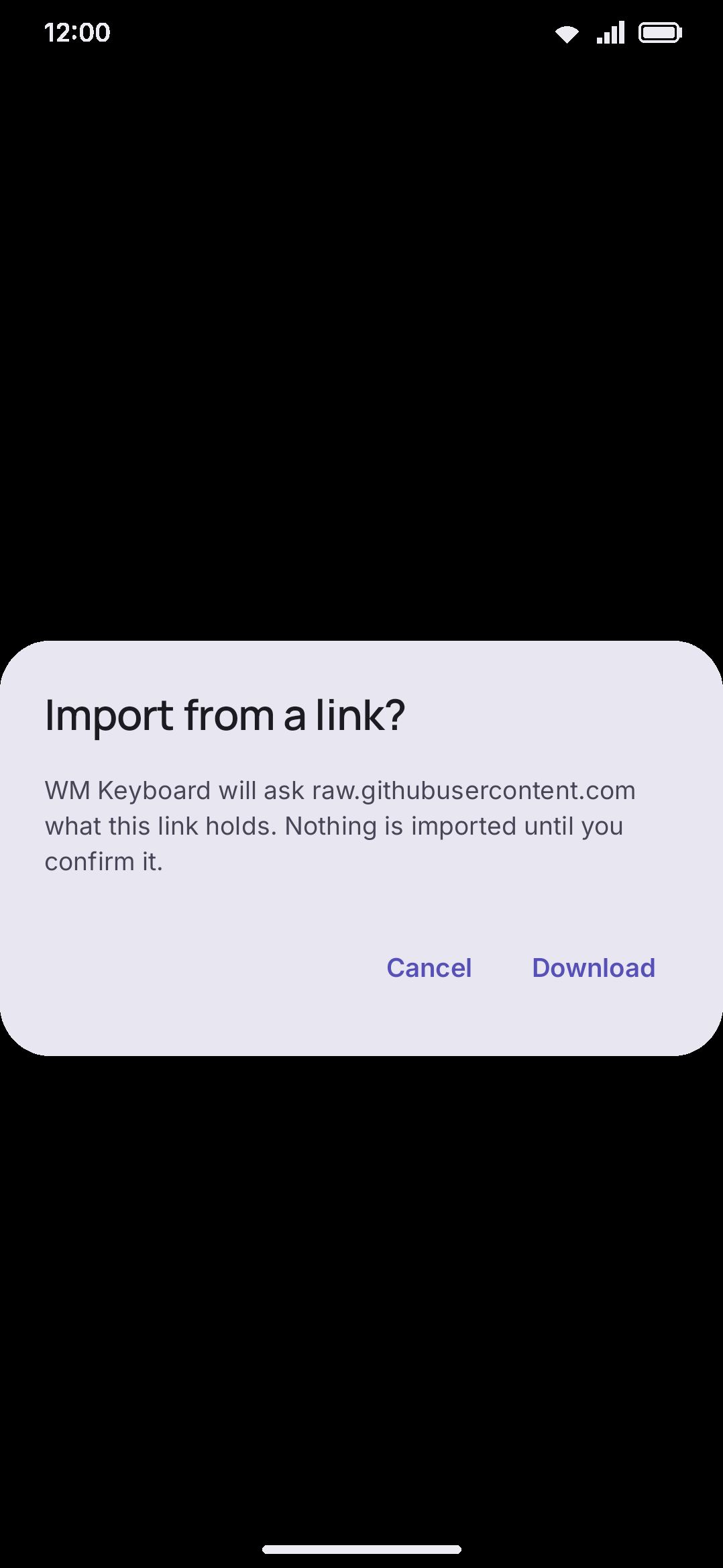
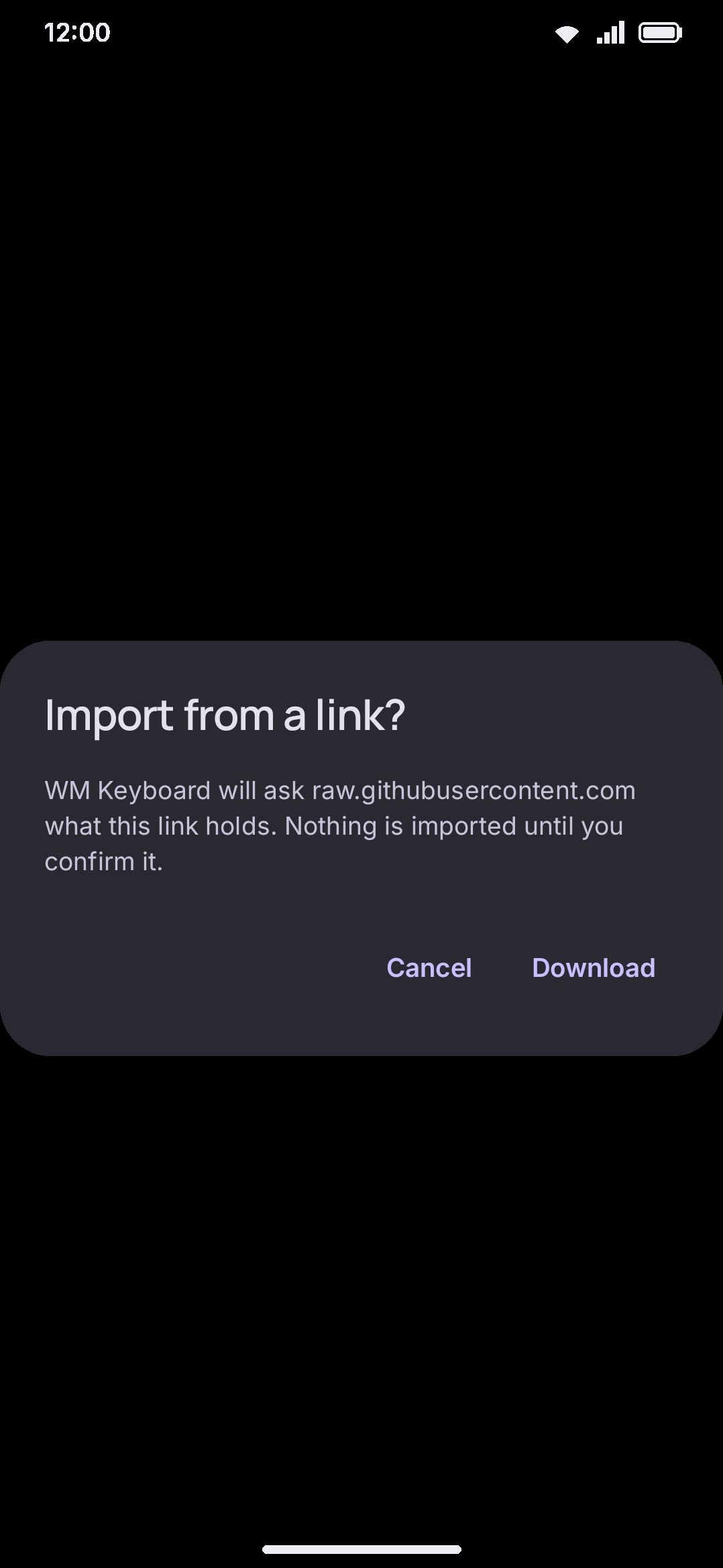
https://. A plainhttp://address is refused, not upgraded. - The host is named before it is contacted. The first dialog says which host will be asked and what is expected back. Nothing is fetched until you press Download.
- The import is still confirmed separately. What comes back goes through the same confirm dialog as a file you opened from your file manager, with the same preview, and the same Import button.
- Data saving applies. On a metered connection the transfer asks first, or is refused if you told it to be. See Data saver.
- Downloads are capped and temporary. Anything fetched lands in the cache and is cleared on the next import.
Build artifacts
Section titled “Build artifacts”A link to a GitHub Actions artifact (/actions/runs/…/artifacts/…) is a
special case: GitHub does not let an app download one without an account, even
when the repository is public. WM Keyboard offers two ways around that, and
says which one it is using before it uses it:
- Without a token, the artifact is fetched through nightly.link, a service this project does not run.
- With a token, it comes straight from GitHub.
Artifacts are always a ZIP around whatever the workflow uploaded, so WM Keyboard looks inside and imports the file it finds. Where there is more than one, you choose.
The optional token
Section titled “The optional token”The Add-ons screen takes an optional personal access token:
WM KeyboardAdvancedAdd-onsGitHub tokenIt is only used for build artifacts and for files in a private repository. The token:
- is sent to GitHub and to nowhere else,
- is never included in a settings backup or an exported config, so sharing a backup cannot leak it,
- can be cleared on the same screen at any time.
A read-only token is enough. For artifacts it needs the actions:read scope;
for private repository files, contents:read.