
What are addons?
Fourteen kinds of installable content, published by anyone with a static file host, installed with nothing more than a URL.
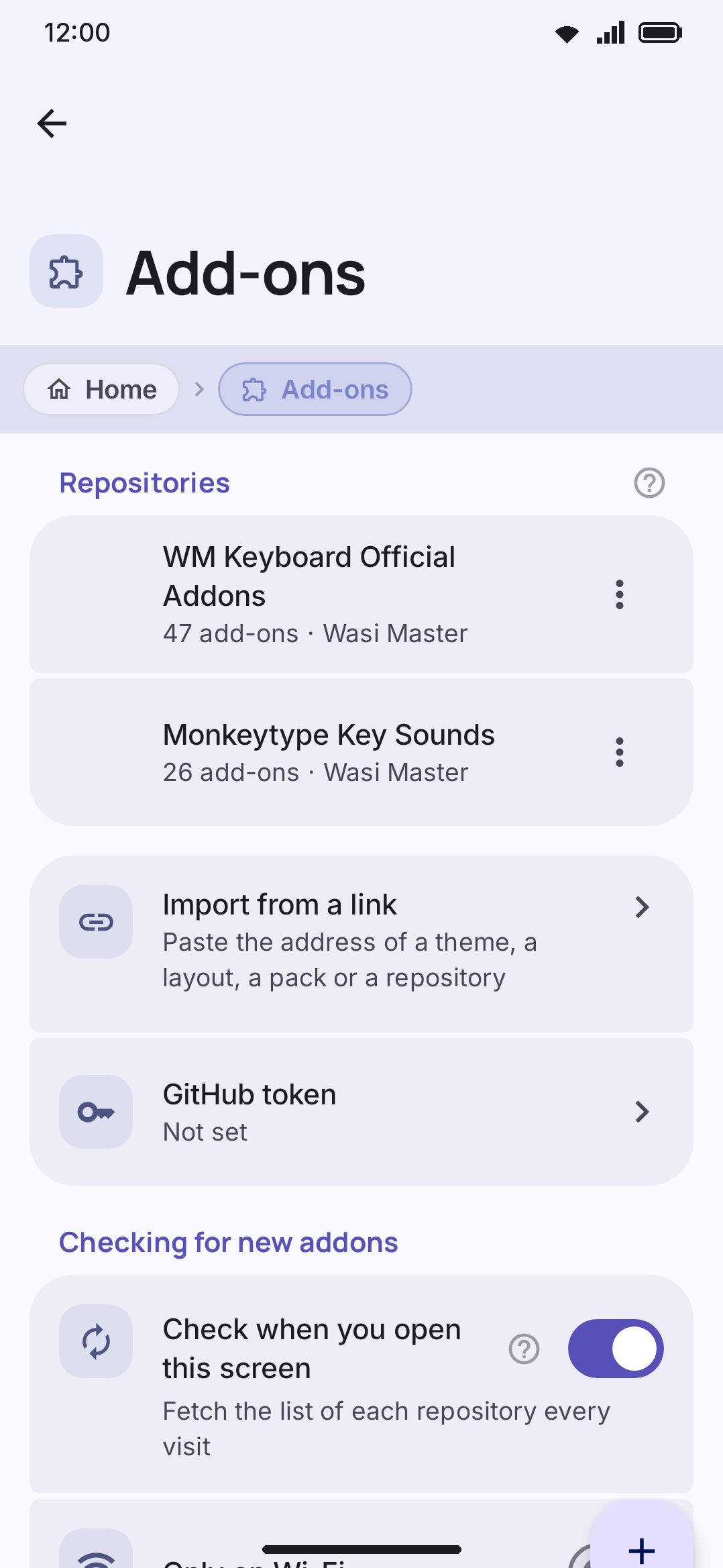
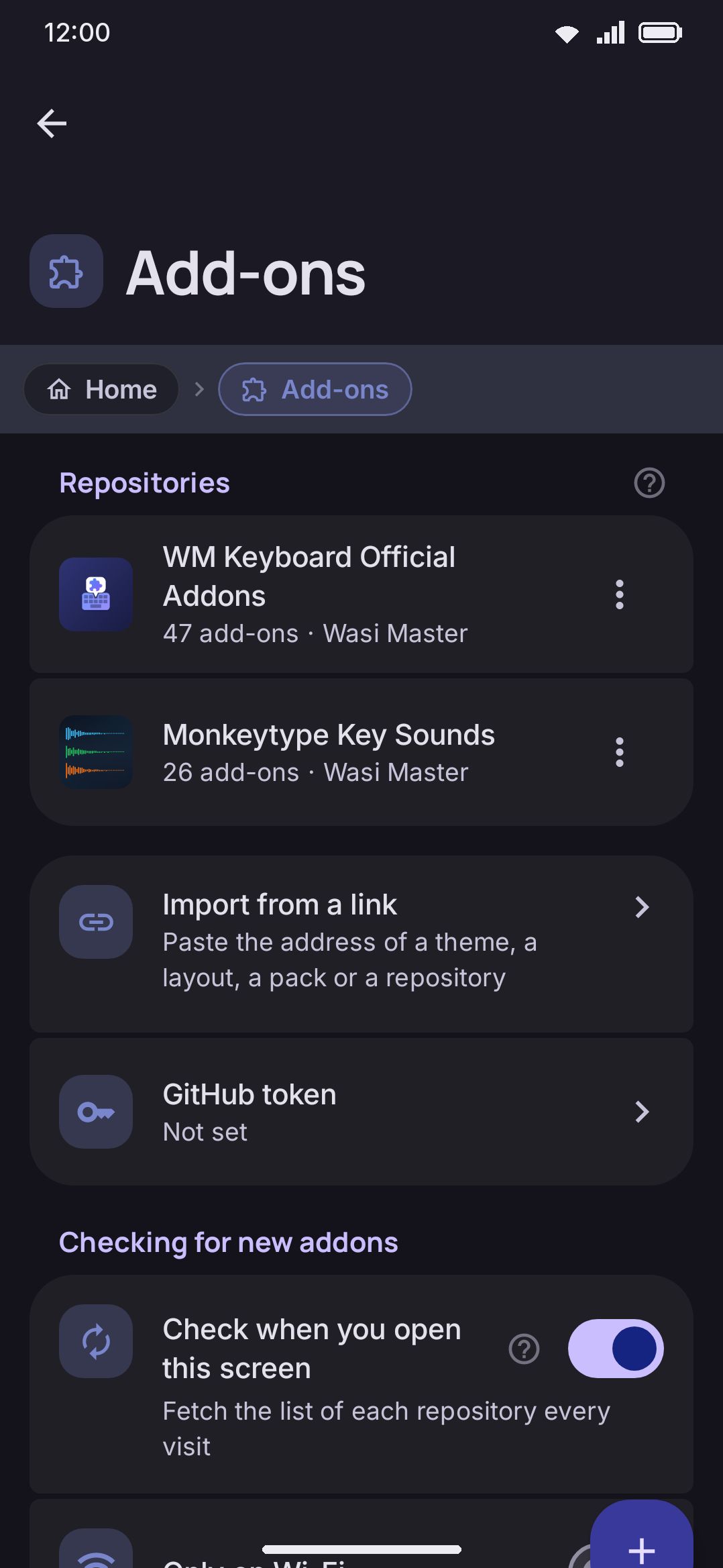
Addons are how the keyboard grows past what ships in the app. Themes, layouts, dictionaries, fonts and sounds can all come from anyone who can host a JSON file. You add a repository by its URL, browse what it lists, and install straight from the phone. No app store, no build step, no account.
What you can install
Section titled “What you can install”There are fourteen addon types, and every one of them maps onto something the app already knows how to produce or import on its own:
| Type | Max download | Live preview before installing |
|---|---|---|
| Theme | 16 MB | No |
| Layout | 4 MB | No |
| Dictionary | 32 MB | Yes |
| Emoji keyword pack | 8 MB | Yes |
| Snippet pack | 4 MB | Yes |
| Espanso pack | 4 MB | Yes |
| Sticker pack | 64 MB | Yes |
| Icon pack | 8 MB | No |
| Font | 32 MB | No |
| Emoji font | 32 MB | No |
| Key sound | 4 MB | Yes |
| Sound pack | 16 MB | Yes |
| Plugin | 1 MB | Yes |
| Vocabulary pack | 8 MB | Yes |
Some types you judge by wearing rather than by looking at in isolation. A theme or a font only makes sense on the keyboard itself, so its detail page has no content preview to offer, just whatever screenshots the publisher chose to include. Dictionaries, emoji keyword packs, sticker packs, snippet packs, Espanso packs, key sounds, sound packs, vocabulary packs and plugins preview their actual content, because the content is the thing you’re deciding on.
For the type-by-type walkthrough of what each one looks like once installed, see Installing addons and Managing addons.
How installing works
Section titled “How installing works”A repository is an index over files the app already knows how to read, and nothing more. The theme, layout, dictionary or plugin you install from one arrives in exactly the file format the app writes when you export the same thing yourself. Opening a .wmtheme.json you found on a forum and installing a theme from a repository both end up running the same import code. Publishers do no packaging, no signing and no building.
Installing and applying are two separate steps. Downloading an addon only puts the file on your device. It doesn’t repaint your keyboard, swap your icon pack, or start a plugin running. For addon types with an obvious “slot” to fill (theme, icon pack, emoji font, key sound, sound pack, layout, plugin), the app asks you afterward whether to switch to what you just installed. Fonts, dictionaries, emoji keyword packs, snippet packs, Espanso packs, sticker packs and vocabulary packs skip that prompt, because installing already is the whole effect: a font waits for you in a picker, and the rest are live the moment they land.
What a repository can and can’t do
Section titled “What a repository can and can’t do”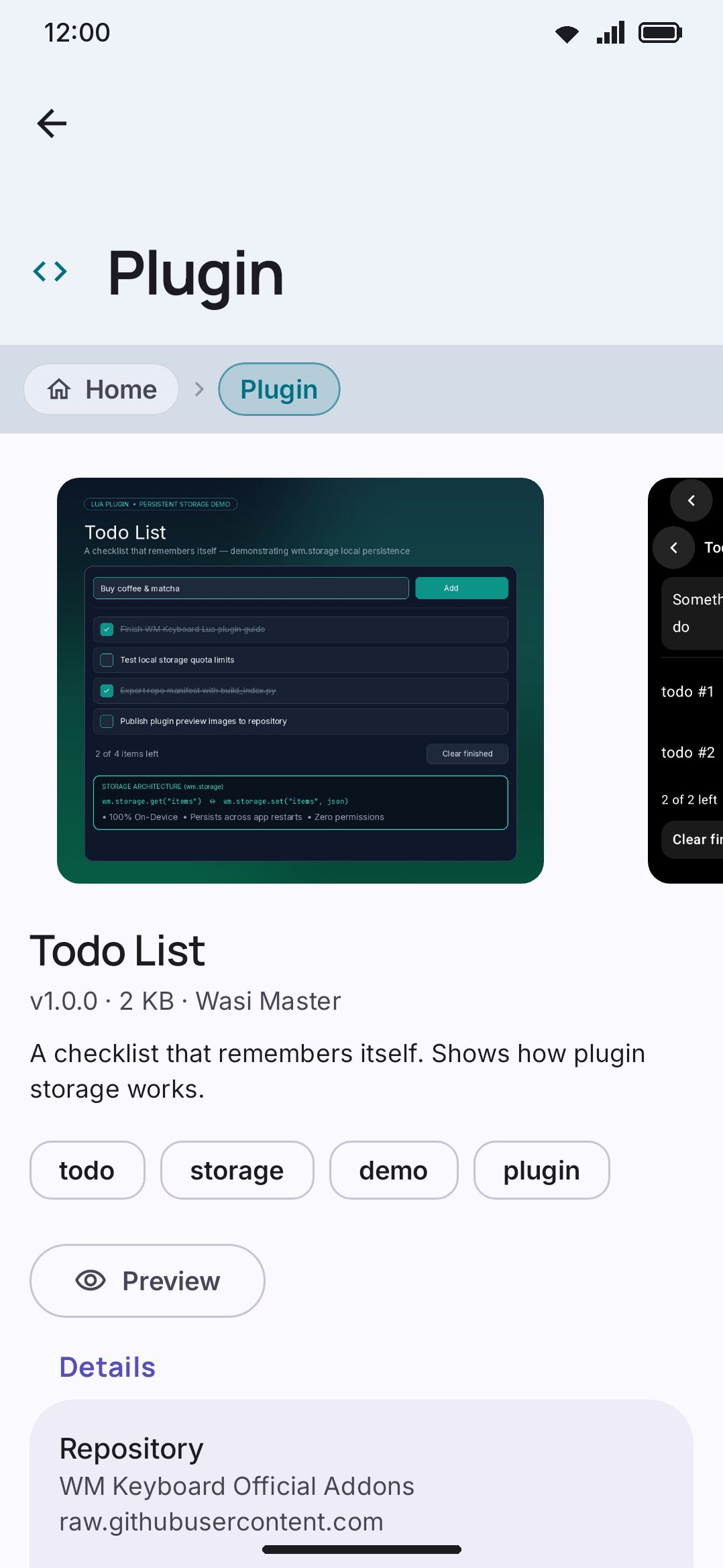
With one exception, every addon type is plain data. No code runs when you install or use one. A theme is colors and shapes, a dictionary is a word list, a sound is an audio file. Nothing in any of those formats can do anything besides be read.
A few rules keep that trust model intact even before an addon reaches your device:
- HTTPS only. A repository or asset URL that isn’t https fails outright rather than silently upgrading. A link that was supposed to be intercepted fails visibly instead of loading anyway.
- A relative path stays inside the repository. A reference written relative to the manifest resolves under the manifest’s own folder and nowhere else: a
../walking up, a/-rooted path, or a protocol-relative//host/pathare all refused, so one manifest can’t quietly serve files that belong to somebody else on the same host. A publisher can still name an absolutehttps://URL, on any host, which is how a release asset or a CDN gets used. - Checksums, verified when present. A repository can publish a
sha256for any file. If it does, the app verifies it after download and refuses the install on a mismatch. - Size caps are enforced mid-download. A download that exceeds its type’s limit (the table above) is aborted in flight rather than flagged after the fact.
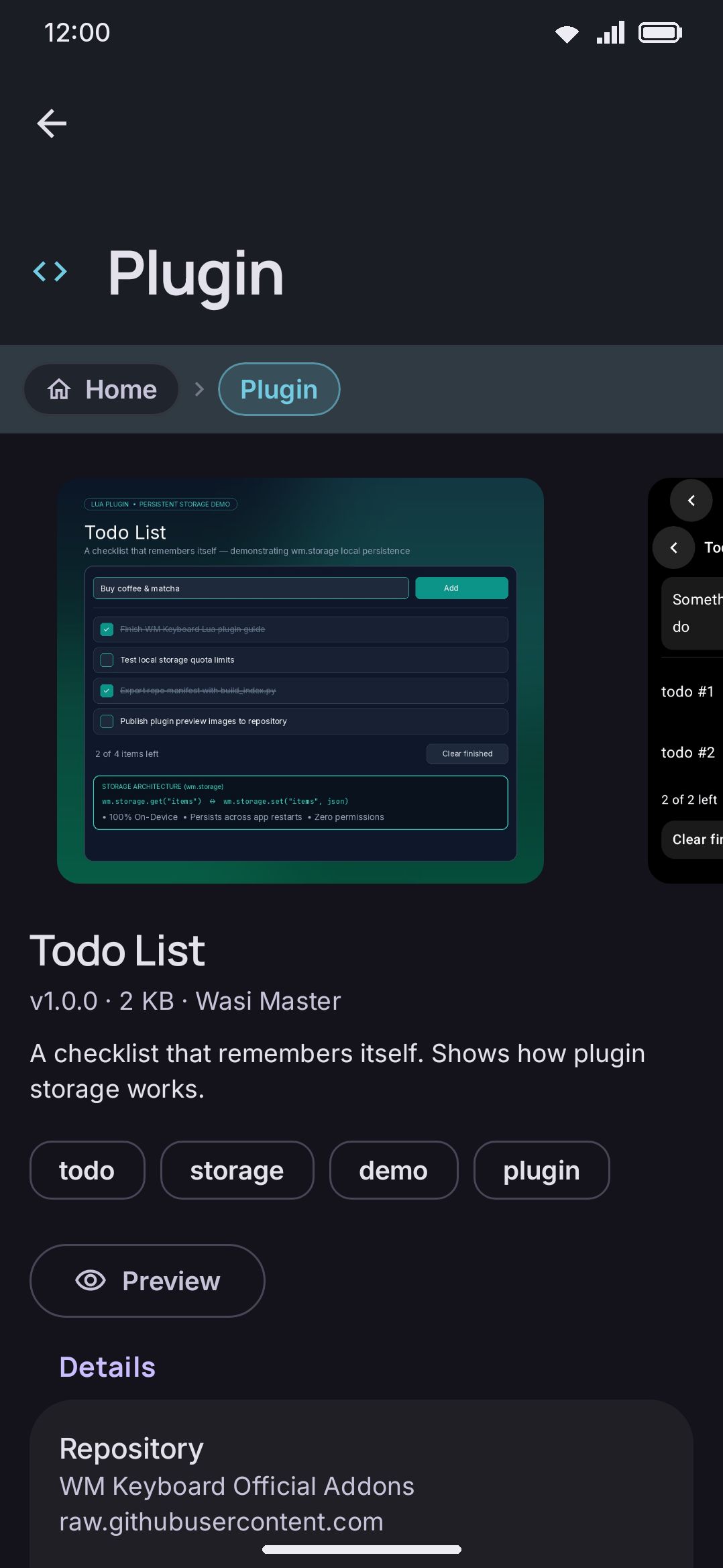
Plugins are the sole exception: they carry Lua that actually runs. That code is sandboxed with no way to read what you type and no access to the text field, the clipboard, or the network. The sandbox has no such API to withhold in the first place. A plugin can ask for local on-device storage and nothing else, and because nothing in the sandbox can reach the network, whatever it stores can’t leave the device either.
Because a plugin runs code, it’s held to stricter rules than the other thirteen types:
- A plugin must publish a checksum. Installing one with no
sha256is refused before any network call happens at all, unlike every other type where a checksum is optional. - A plugin you install from a repository always lands switched off. Installing never doubles as “run this,” so it doesn’t even appear where plugins run until you turn it on yourself.
- Installing is refused outright if plugins are switched off at the subsystem level. See Options below.
A wmkeyboard:// link (from a repository’s README, a chat message, wherever) can only navigate to a screen that shows you the repository address and the addon before you decide anything. It can’t add a repository or install anything by itself.
Browsing on the web
Section titled “Browsing on the web”The same store is on this site at wmkeyboard.pages.dev/addons: every repository the app seeds, plus any you add by URL, with live previews of themes, layouts, fonts, sounds and plugins before you install anything. On Android each addon page has an Open in app button; elsewhere, scan the QR code. It also has a repository checker and builders for themes, layouts, snippet packs, sticker packs, sound packs, icon packs and whole repositories.
Finding repositories to add
Section titled “Finding repositories to add”WM Keyboard ships pointed at two repositories, so the Addons screen isn’t empty the first time you open it. The first is the sample: wmkeyboard-addon-repository on GitHub. It’s a plain repository (a wmkeyboard-repo.json index plus the addon files it lists, served over https with no build step), so forking it is the fastest way to start publishing your own. It also doubles as the canonical copy of the repository spec and JSON Schema. The second is wmkeyboard-monkeytype-sounds, a companion repository of typing sounds.
If you remove either one, the app won’t add it back on its own. The seeding pass remembers which addresses it has already offered, so a repository you removed stays gone, and a new default shipped in a later version still turns up on your next visit.
For the technical side of writing your own (the manifest schema, hosting requirements, and what each addon type’s payload format looks like), see the addon repository format reference.
Options
Section titled “Options”Plugins have their own subsystem switch, off by default. With it off, no plugin can run, whether you installed it locally or from a repository. Installing a new plugin from a repository is refused outright rather than silently landing disabled. Turn this on before you install your first plugin.
Details & edge cases
Section titled “Details & edge cases”- An addon can declare a minimum app version. If your build is older than what it needs, its detail page still shows it, but installing is refused until you update.
- A repository’s manifest is capped at 1 MB to fetch, so a repository that’s mostly index and little payload stays cheap to add and refresh.
- You can add up to 30 repositories at once.
- A
github.com/user/repolink resolves to that repository’swmkeyboard-repo.jsonautomatically (from its default branch, or a specific branch if the link points at one), so you don’t need to type the raw file path yourself. - Removing every repository doesn’t uninstall anything you’ve already installed from them. Installed content and the repository list are tracked separately. See Managing addons for uninstalling and update checks.
- Config backup and restore includes your repository list, though not the addons you’ve installed from it. Restoring merges the list into whatever you already have rather than replacing it. See Backup & restore for the full picture.
Related reading: Installing addons for the browse-and-install flow, Managing addons for updates and uninstalling, the Addons settings reference for a screen-by-screen breakdown, and Addon repositories for publishing your own.