
Kaomoji & text art
Kaomoji and ASCII emoticon tabs in the emoji panel (ノ◕ヮ◕)ノ*:・゚✧
Kaomoji are Japanese-style faces built from CJK and box-drawing characters, like (╯°□°)╯︵ ┻━┻. Western ASCII emoticons like :-D and <3 are the simpler cousin. Both live behind two optional tabs at the end of the emoji panel, off by default until you turn them on.
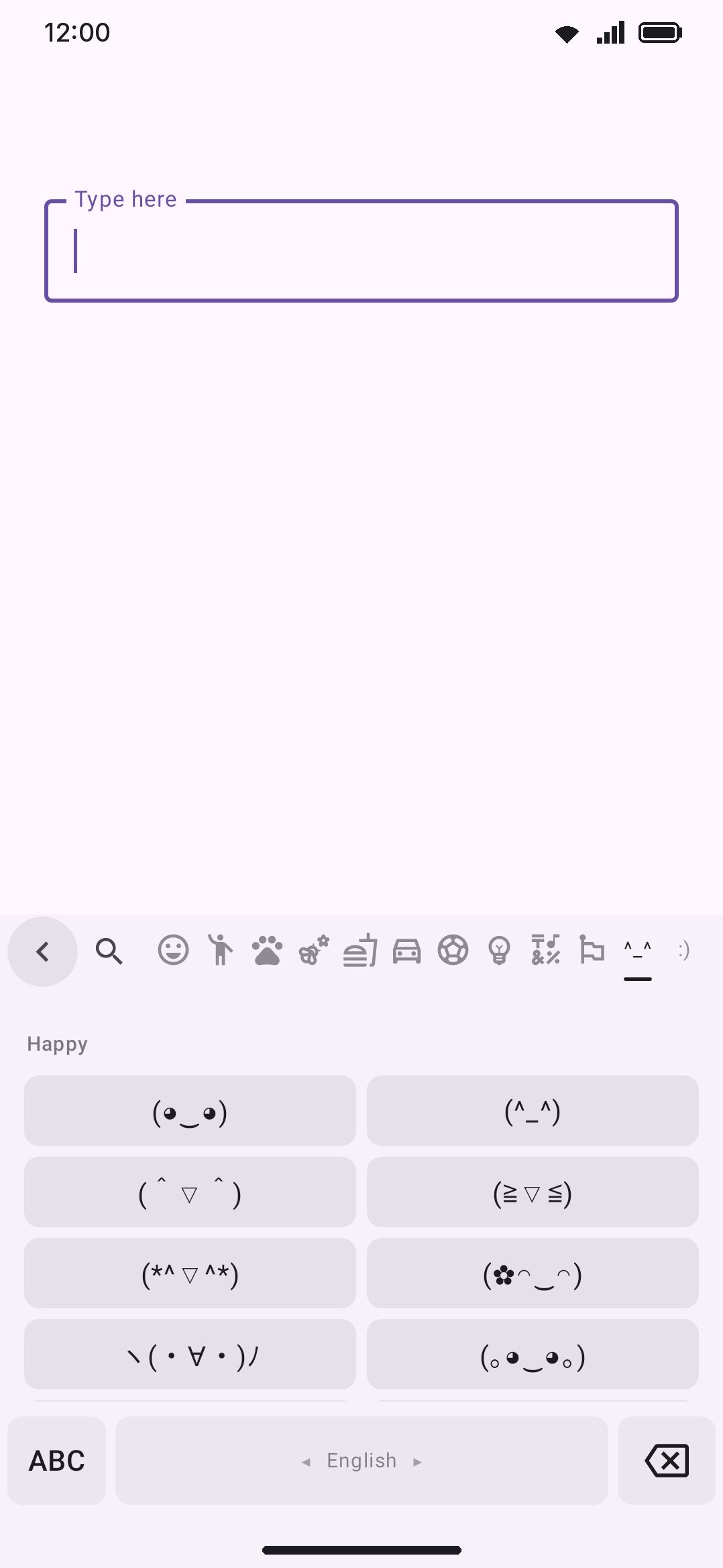
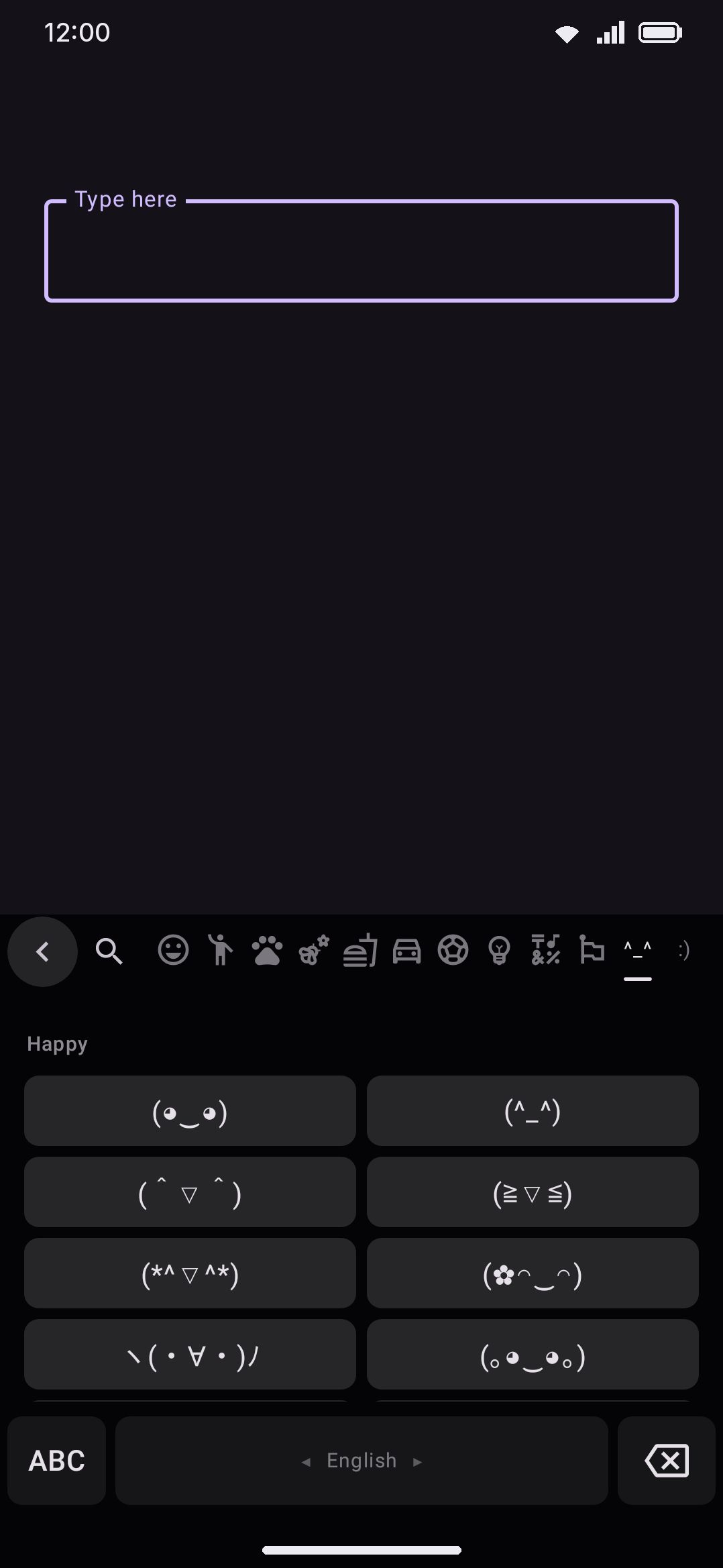
Turning the tabs on
Section titled “Turning the tabs on”This toggle is off by default. Turn it on and two more tabs appear at the end of the emoji panel’s tab strip, after Recent (or Most used) and every Unicode emoji category. Every tab you already know how to find keeps its place. The two new tabs get no category icons, because no icon pack has a glyph for “kaomoji.” The tab strip draws a literal label instead: ^_^ for the Kaomoji tab and :) for the Emoticons tab.
Each is a normal swipeable page like any other emoji-panel tab, and your scroll position in one is preserved when you swipe away and back.
Browsing kaomoji
Section titled “Browsing kaomoji”Open the Kaomoji tab and you get a single scrolling grid split into labelled mood groups: Happy, Love, Sad, Angry, Table flip, Confused, Surprised, Cool, Cute, Animals, Actions, Sleepy, Greetings, Party, and Apologies. That’s 201 kaomoji in all, spread unevenly across those 15 groups. Happy alone has 18, while Table flip and Apologies are the smallest, with 8 and 10.
Kaomoji get no favouriting, no recents, and no frequency tracking. Tapping one is a fire-and-forget insert. It doesn’t reach your emoji history either: a kaomoji tap deliberately skips both the emoji-history and the next-word-prediction updates a real emoji tap makes. A face can run well past a dozen characters, and the recents grid and emoji row are built to size a cell for a single glyph. The only way to find a specific kaomoji again is to open the tab and scroll to its mood group. There’s no search across kaomoji.
Browsing emoticons
Section titled “Browsing emoticons”The Emoticons tab works the same way, with its own 8 mood groups (Happy, Sad, Playful, Love, Surprised, Neutral, Cool, and Figures) covering 111 entries. Its grid cells are noticeably narrower than the kaomoji tab’s. A three-character face like :-) and a much longer kaomoji need very different amounts of room, so each tab sizes its own grid columns to fit what it holds.
Everything said above about kaomoji applies here too: no favourites, no history, no search. Browse by mood group and tap.
Inserting long faces safely
Section titled “Inserting long faces safely”A cell shrinks its font size step by step until the whole face fits on one line. It never wraps and never trails off with an ellipsis, since half a kaomoji reads as garbage rather than a smaller version of the same face. The glyph stays invisible for that first layout pass, so you never see it flash past its own edges before settling.
Tapping a cell commits the face as one atomic insert. Any word you were mid-typing is flushed first with autocorrect turned off, and then the kaomoji or emoticon goes in as plain text in a single step. It never passes through autocorrect or auto-capitalization, so (¬‿¬) reaches the field exactly as shown, rather than reshaped into something an English dictionary would prefer.
If WM KeyboardEmojiEmoji panelReturn to the keyboard after you insert is on, tapping a kaomoji or emoticon closes the panel and drops you back on the keys immediately, exactly like a real emoji tap does.
Details & edge cases
Section titled “Details & edge cases”- No search. Neither tab has its own search field, and the emoji panel’s search box only indexes the Unicode emoji catalog, so kaomoji and emoticons never appear in search results. Browsing the tab is the only way to find one.
- No favourites or history. Tapping a kaomoji or emoticon does not add it to Recent, Most used, or any per-emoji usage tracking. It’s a plain-text insert with no memory of what you’ve used before.
- The Emoji font setting doesn’t apply here. Kaomoji and emoticons render as plain text with no font override. Changing your emoji font under WM KeyboardEmojiEmoji styleEmoji font has no effect on how they look, since that setting only touches genuine Unicode emoji glyphs.
- Limited to glyphs Android already ships. The catalog deliberately sticks to characters covered by Android’s bundled fonts (Noto Sans CJK and Noto Sans Symbols), so every face renders correctly out of the box instead of risking a tofu box on an exotic character.
- Both editions. Kaomoji and emoticons aren’t gated to one edition. The catalog compiles into both.
For the rest of the emoji panel (search, skin tones, favourites, and recents for actual Unicode emoji), see Emoji picker & search. For the emoji row and emoji fonts, see Emoji customization.